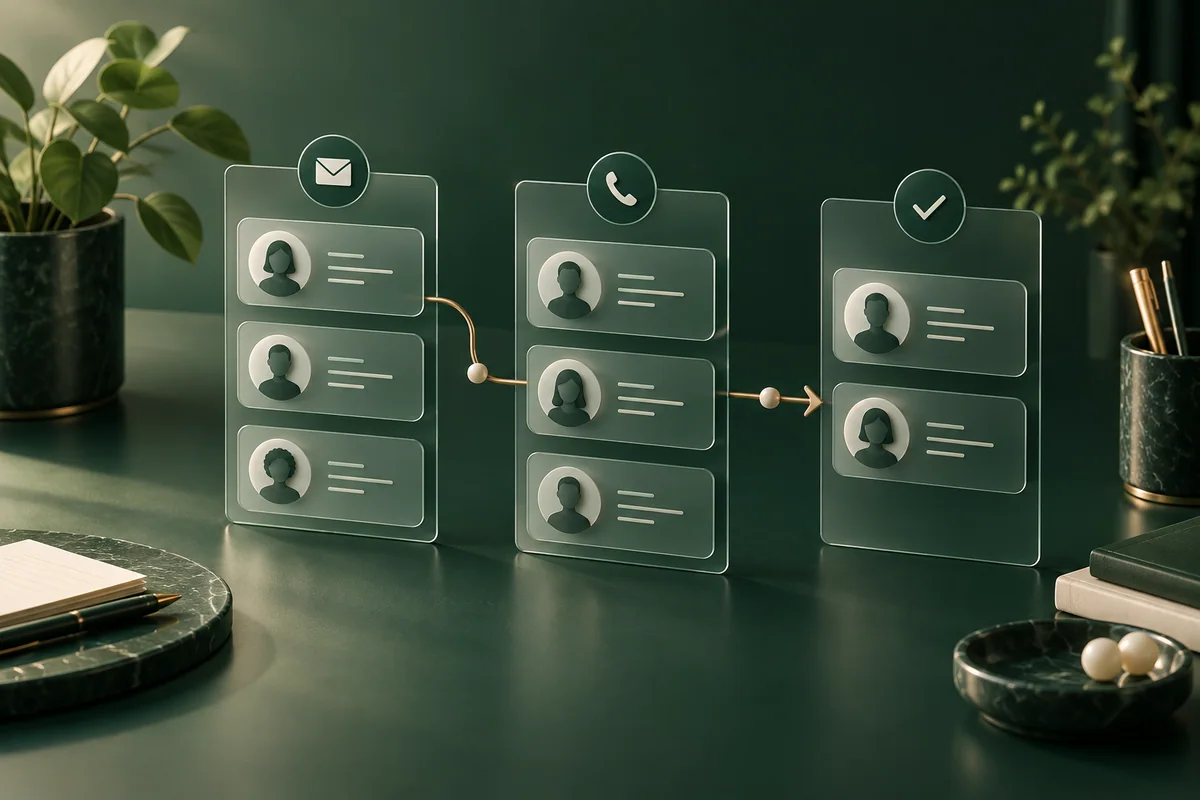
A customer relationship management system is useful when enquiries need a reliable owner and a next action. It does not create demand or repair an offer that nobody wants. For a small service website, choose the simplest system that prevents missed follow-ups without collecting unnecessary information. This guide compares documented starting points in HubSpot CRM and Zoho CRM, then proposes a practical evaluation. It is not a hands-on product test, a ranking or an account-opening recommendation.
First decide whether a CRM is necessary
A sole operator receiving a handful of enquiries may initially manage a controlled inbox and a protected follow-up list. A CRM becomes more useful when several people share the work, the same customer contacts the business repeatedly, or there is no reliable record of the next action. Count missed replies and duplicate work before buying automation. If nobody is responsible for updating records, a larger tool will simply contain a larger collection of stale data.
Map one enquiry from form to outcome
Consider a fictional maintenance business. A visitor asks about a service; an operator checks whether it is within scope; a quotation is prepared; the prospect accepts, declines or stops responding. The website should not automatically classify every submitted form as a qualified sale. Separate the contact, the request and the commercial opportunity so that one person making two different enquiries does not become two unrelated customers.
- Collect the minimum useful fields: reply address, request and service area if necessary.
- Assign one person to handle the enquiry and a realistic follow-up date.
- Record a meaningful stage, such as awaiting clarification or quotation sent.
- Log the outcome and remove unnecessary information according to the retention rules.
Two documented starting points
On 26 September 2026, HubSpot’s CRM page described a free tier for up to two users and 1,000 contacts, including contact, deal and task management. Zoho’s pricing page described a free edition for three users. These limits concern those advertised products, not every marketing, messaging or automation feature sold by either supplier. Check the edition and account conditions before importing data.
- HubSpot CRM
- A candidate when the team wants to evaluate contacts and follow-up alongside other HubSpot tools. Check whether the website integration, permissions and reporting you need belong to the intended package, rather than assuming the whole platform is free.
- Zoho CRM
- A candidate for a small team comparing an alternative customer-management workflow. Its advertised free user allowance is a useful screening fact, but not evidence that your required form routing or integrations are included.
- A controlled manual process
- A legitimate baseline when enquiry volume is low and access can be managed safely. Measure what a CRM would improve compared with this baseline, instead of purchasing a tool because competitors mention one.
Run an evaluation using fictional records
Create ten clearly fictional enquiries in an approved test account, not a copy of real customer details. Include a duplicate email, an unanswered quotation, a person asking to correct their details and a team member leaving the business. Ask each candidate system to support the same actions. Record where a setting, paid feature or external integration is required. A successful demonstration with one clean contact tells little about these common exceptions.
Also test the website boundary. A confirmation on the page should correspond to a record actually reaching the right queue. Check what happens if the CRM is unavailable, a visitor submits twice or the operator loses access. Decide how failed deliveries are detected and safely retried. Do not silently send the visitor’s information to several tools simply to see which receives it.
Calculate the cost of the complete workflow
List the number of people who need access, the required contact capacity, paid integrations, onboarding and ongoing administration. Ask what happens when a limit is exceeded and how cancellation affects exported information. We do not quote a paid CRM price here because the necessary package depends on the actual workflow and billing market. Request a dated quotation for the same scope from each candidate before treating either as cheaper.
Check privacy, access and an exit route
Give staff individual accounts and only the permissions their work needs. Confirm who can export the customer database and how a lost device or departing employee is handled. Review the provider’s data-processing terms and relevant hosting/access arrangements before using real information. A contact request is not automatically permission to subscribe someone to every marketing campaign.
Before committing, export a fictional sample and check whether the receiving tool can understand the fields and relationships you depend on. Record anything that would have to be recreated manually. Keep a simple decision note: the problem solved, recurring cost, accountable operator and conditions for reconsidering. This is more useful than choosing a winner from a list of features.
Documentation checked: 26 September 2026. References: HubSpot “Free CRM Software” and Zoho “CRM Pricing and Editions”. The cover is a conceptual workflow illustration, not a screenshot of either product. No affiliate link, customer result or paid partnership is asserted.